( Cross Posted On Blogger In Draft Blog )
 For many bloggers, having a custom favicon (the tiny image displayed in your browser’s window or tab) is the finishing touch that ties together the design and identity of a great looking blog.
They're pleased to announce that Blogger in Draft users can now add a customized favicon to their blog.

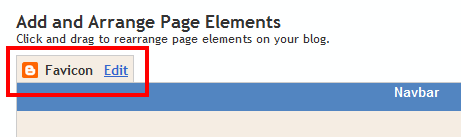
A new window will then open where you can select an image from your hard drive to replace the default favicon image. This initial launch only supports .ico files, but you can easily convert your JPEG, PNG, or other non-ico image file using your own image software. There are also many conversion tools online, and a quick Google Search brings up a handful of options such as http://www.icoconverter.com/.
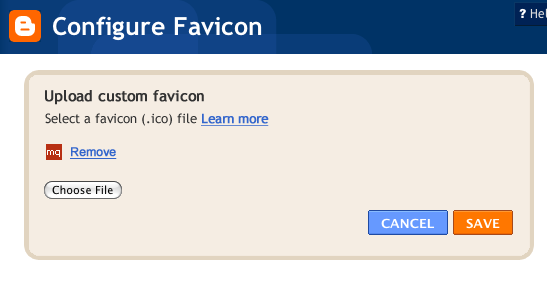
Once you’ve selected the .ico file for your favicon, click Save. They'll automatically resize the image to the correct dimensions, and you’ll then see the Page Elements updated with your selected favicon image:
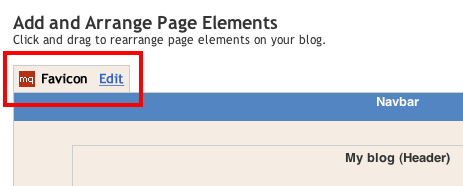
When you save your template changes, you’ll see your newly-added favicon image displayed in your browser window or tab. That’s it!
In the future, they’ll add support for more non-ico image formats, so stay tuned. In the meantime, please leave us a comment below and let us know what you think.